Cloud Connected Remote Monitoring
Thermal monitoring your team can use minutes after setup
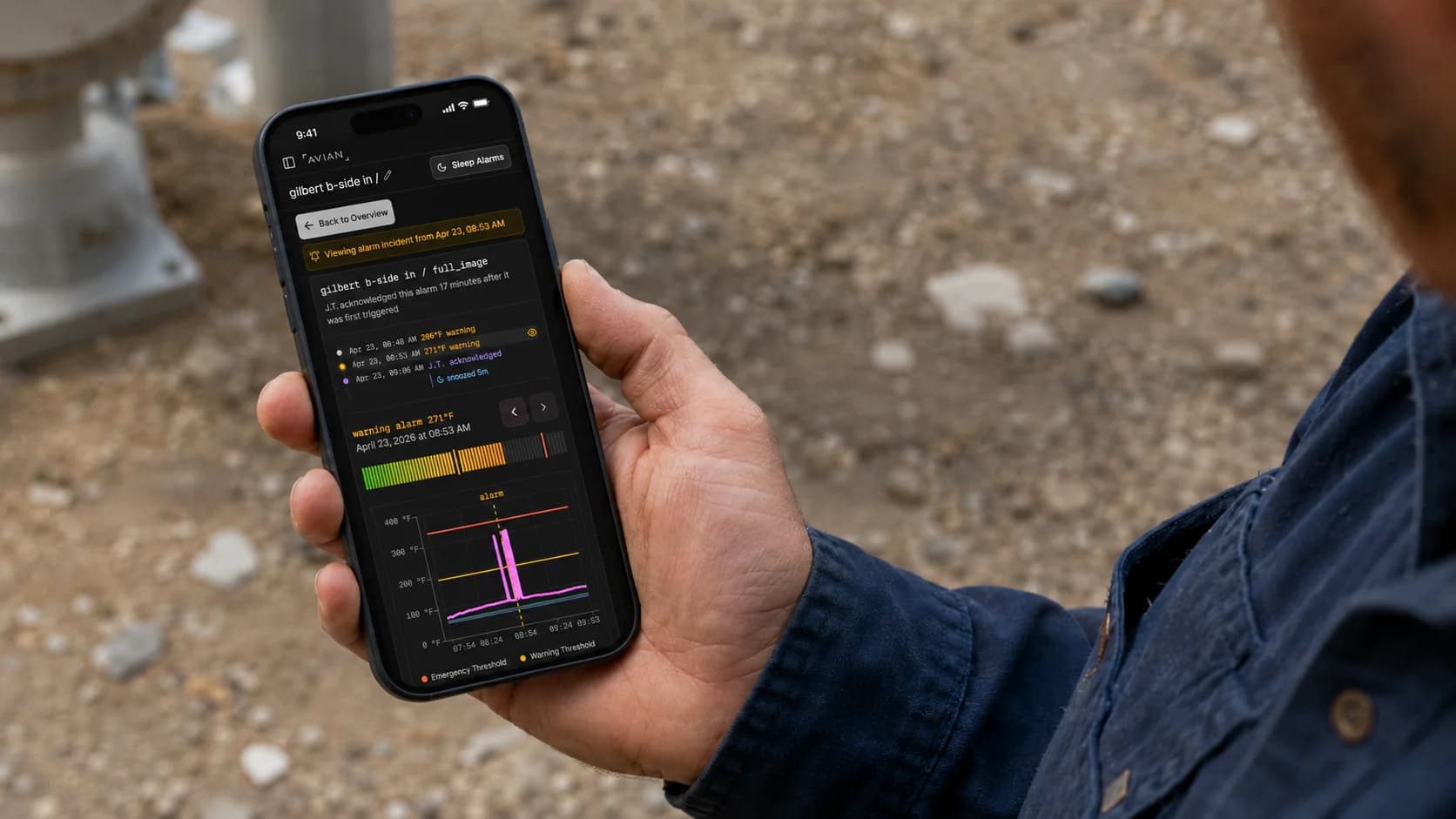
Industrial monitoring should not start with a networking project. AVIAN cameras connect to the cloud, appear in the dashboard, and give your team live feeds, alarms, and event history on phones, tablets, and computers without custom tooling.
Signal pipeline
- Plug in camera
- Cloud connection
- Live dashboard
- Remote alerts
- Response history
The setup gap
Camera hardware is easy to buy. Useful monitoring is not.
Many systems still leave teams with IP configuration, workstation software, dashboard setup, notification routing, and ongoing tuning. That slows adoption and makes monitoring depend on the few people who understand the setup.
What AVIAN handles
A connected monitoring workflow, not another camera project
AVIAN is built so operators, maintenance teams, and managers can see and act on thermal events without learning a new control-room tool or waiting on custom engineering.
- Layer 01
Fast field setup
Connect the camera, bring it online, and start monitoring from the AVIAN dashboard. The setup path is built for industrial teams that need coverage quickly, not another long commissioning cycle.
- Layer 02
Phone, tablet, and browser access
The same live thermal feed, RGB context, alerts, and event history are available on the phone in your pocket, the tablet on the floor, or a browser in the office.
- Layer 03
Managed alert workflow
AVIAN handles alert routing, acknowledgement, escalation, and event history so remote access leads to action instead of another screen nobody watches.
“I can be anywhere in the mill, or even sitting at home”
I can be anywhere in the mill, or even sitting at home and get an alert from AVIAN and I know it’s time to act immediately.
“Condition-Based Thermal Monitoring at Sierra Pacific Mills”
“I’d argue it’s probably one of the best technologies as far as fire safety is concerned”
We had a gearbox that was overheating in our dust shed. Thanks to the alerts from AVIAN, we changed the oil in the gearbox and brought it back under normal operating conditions.
“From Pilot to Prevention: How Chinook Wood Products Uses AVIAN”
“AVIAN gives us a new kind of security”
We can send our employees home at the end of their shift with peace of mind, because we know that the critical areas in our company are reliably monitored.
“How Schilliger Holz and Blumer Lehmann Restored Peace of Mind”
From the field
Recent case studies
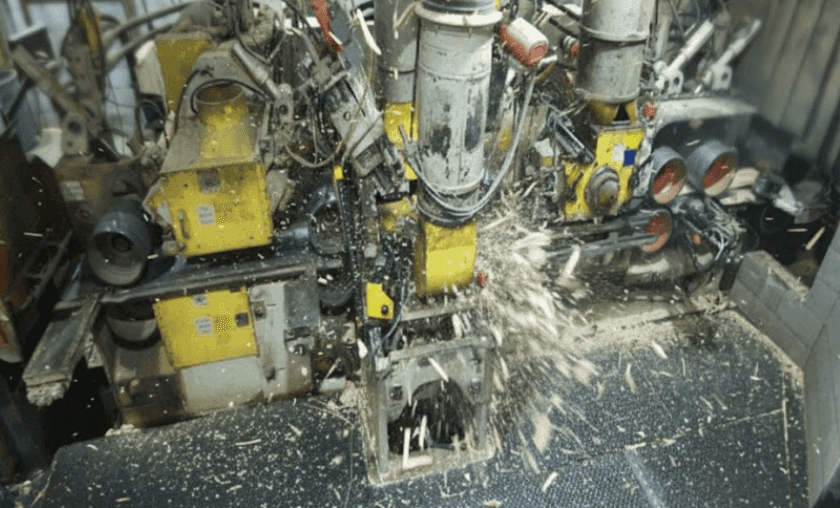
Condition-Based Thermal Monitoring at Sierra Pacific Mills
When Sierra Pacific Industries first reached out to AVIAN, the goal was straightforward: monitor baghouses and dust collection equipment at their Quincy, California operation. What happened next is a story about what ...
All-in-One Cloud Thermal Monitoring
Remote thermal monitoring should feel like a working system, not a parts list.
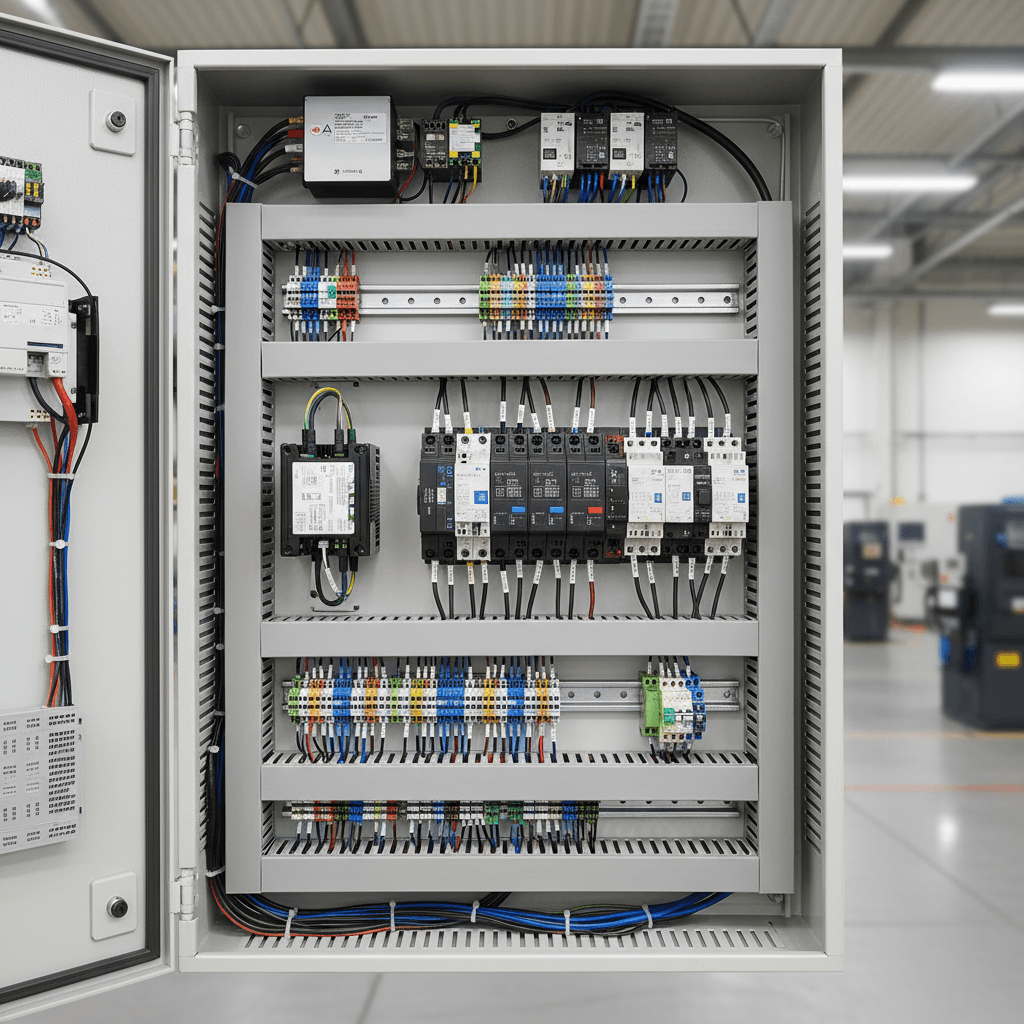
How PLC Auto Stops Work with AVIAN Thermal Cameras
Most autostop conversations start in the wrong place.
Where it applies
The industries this capability supports
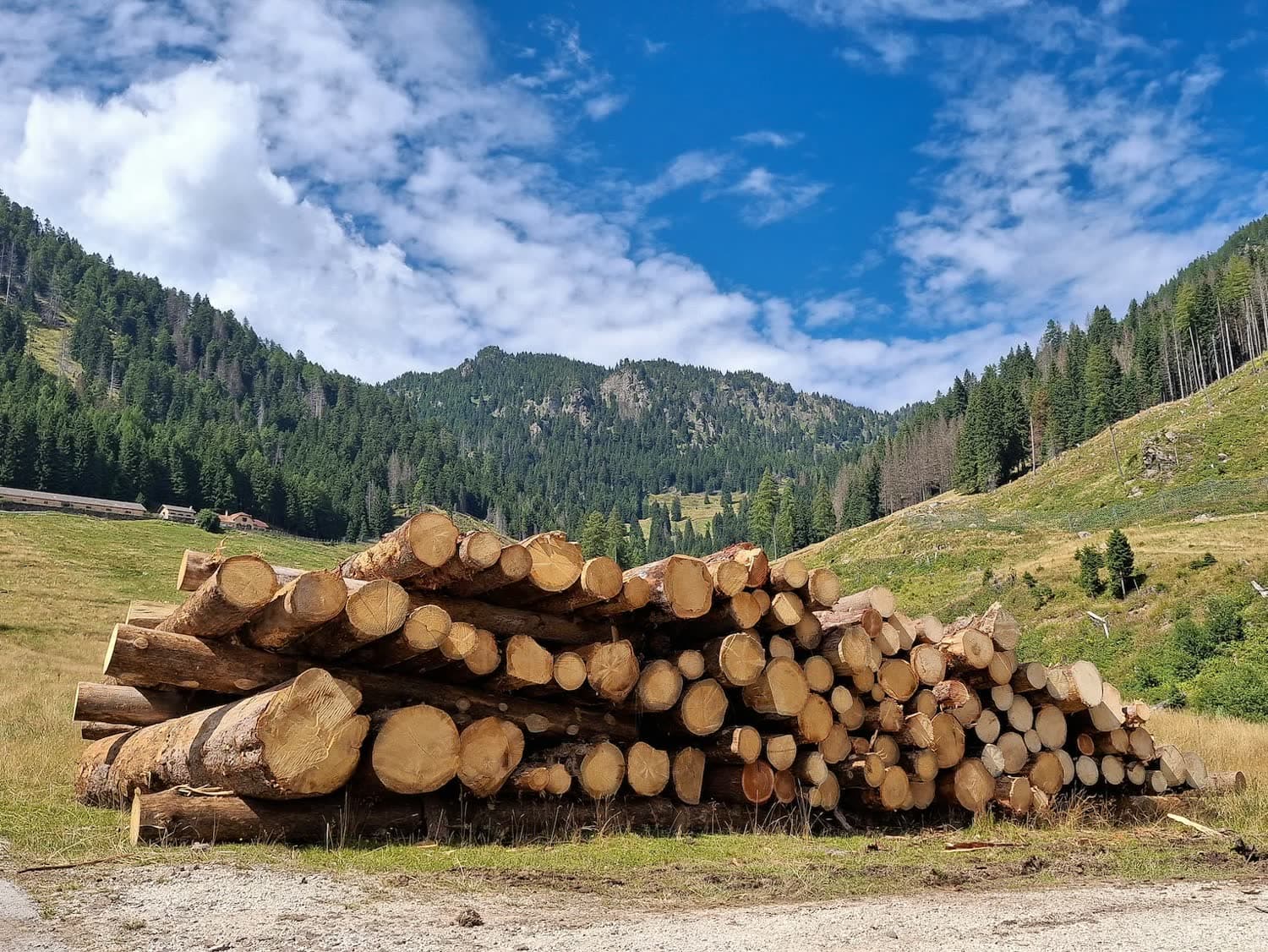
Sawmills and planer mills
Give operators, millwrights, and managers access to planer, conveyor, and dust-system heat events from the floor, office, or on call.
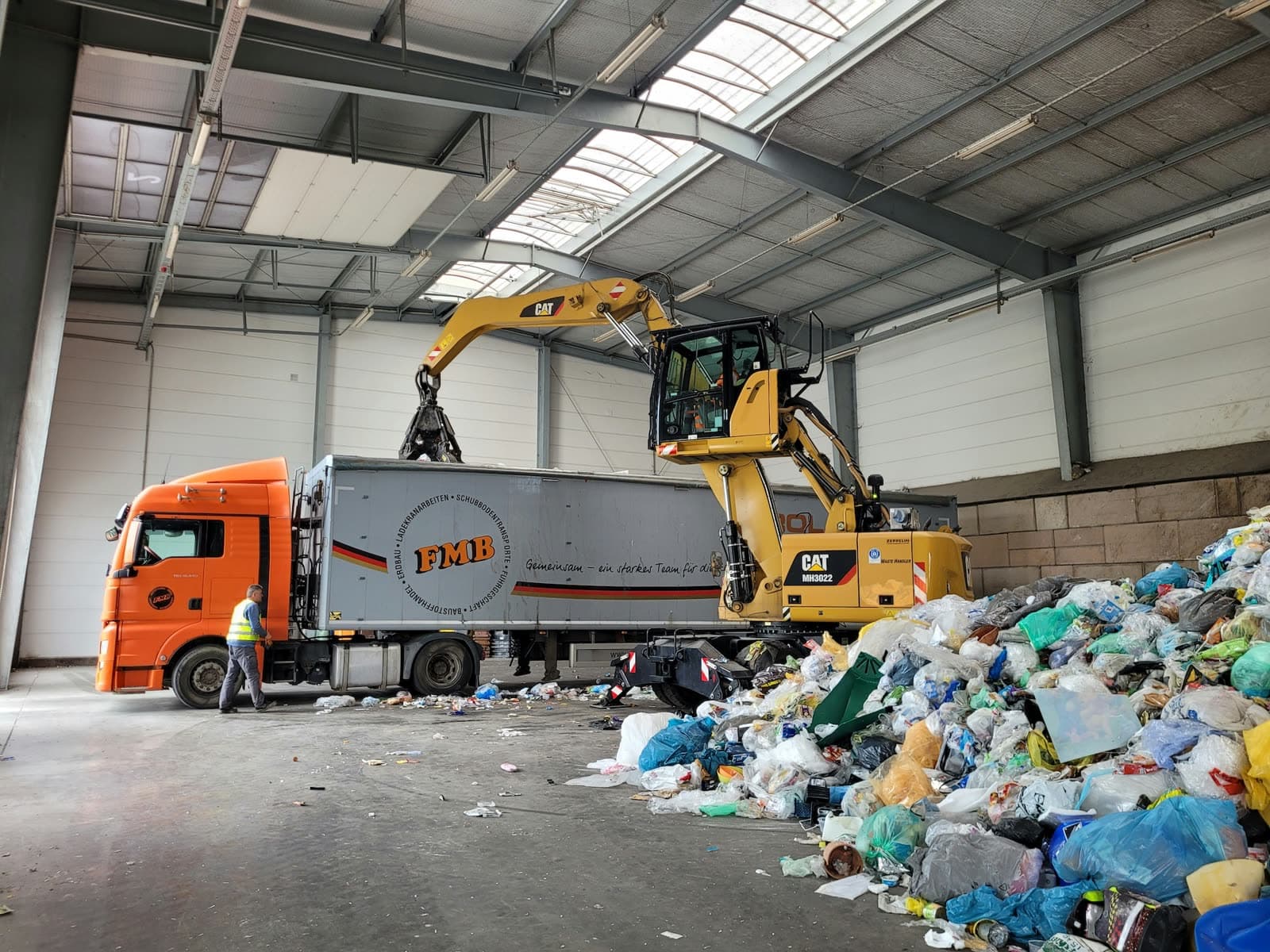
Recycling and waste
Watch piles, conveyors, battery risks, and after-hours events without requiring someone to sit at a workstation.
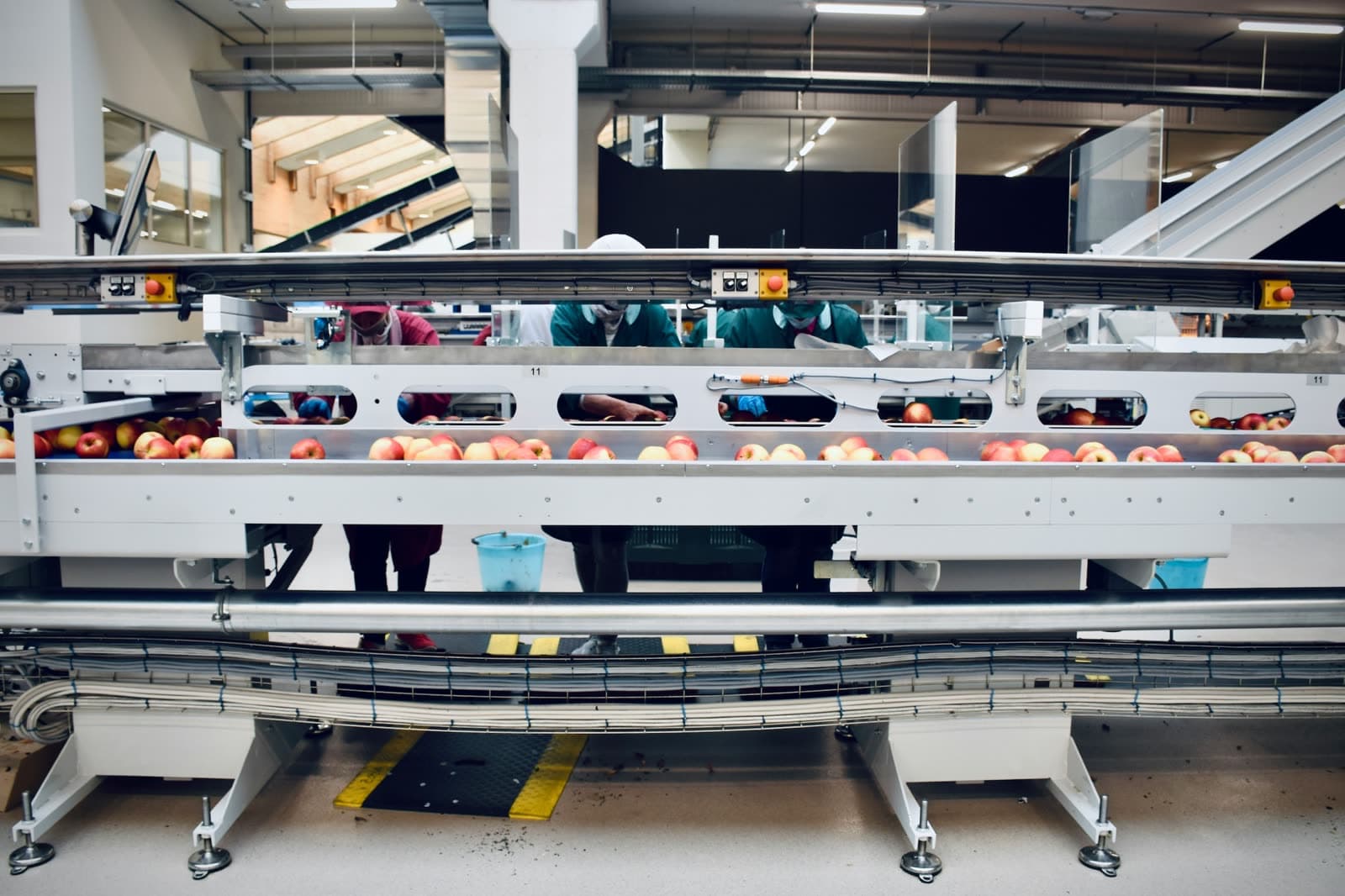
Food and beverage manufacturing
Route thermal events around motors, compressors, conveyors, and panels to the teams responsible for uptime and safety.
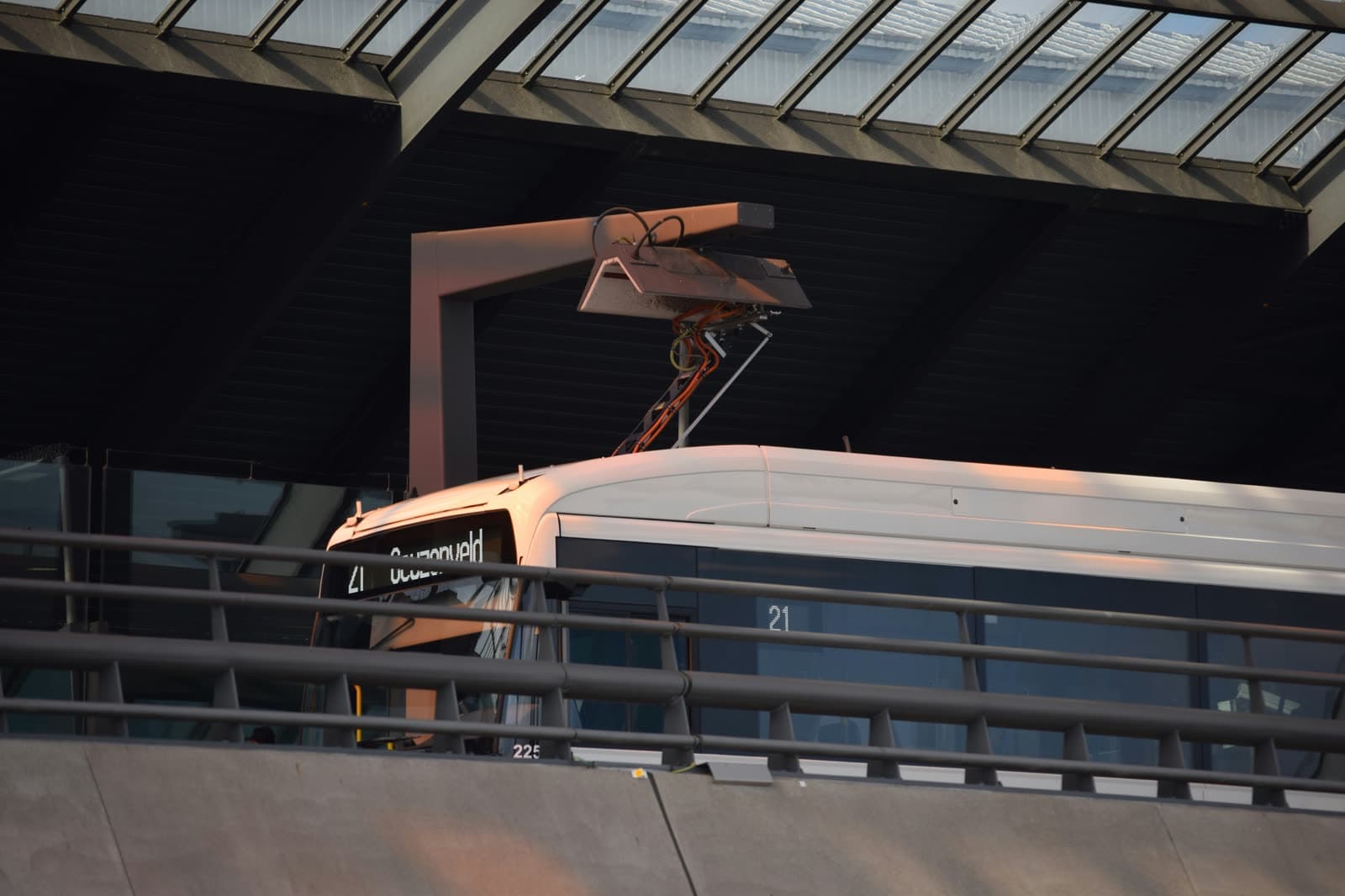
Electric bus depots and fleet charging
Monitor chargers, battery heat, and overnight fleet risks from phones, tablets, and browser access.
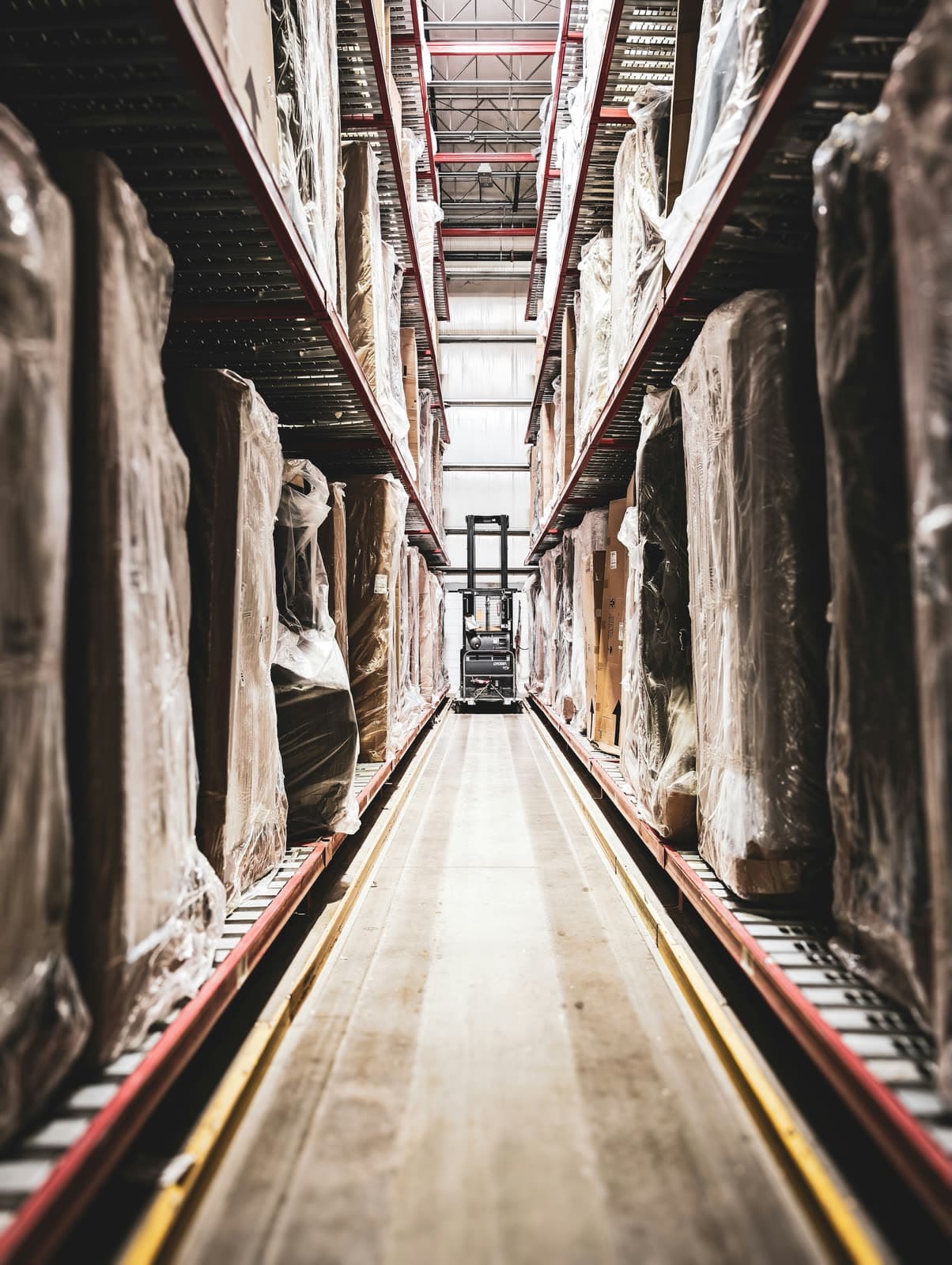
Ports and bulk handling
Give distributed teams visibility into conveyors, transfer points, and storage zones across large terminal footprints.
Biomass and pellet plants
Keep press, dryer, conveyor, and dust-system events visible across shifts without building a custom monitoring stack.
FAQ
Questions teams ask before they deploy AVIAN
How long does AVIAN take to set up?
A standard T100 camera can be brought online in minutes once it has power and network access. AVIAN handles the cloud connection, dashboard access, alerting workflow, and ongoing tuning so the site is not left with a camera-only engineering project.
Do operators need desktop software?
No. AVIAN runs in any modern browser and as native apps on iPhone, Android, and iPad. Operators can view live thermal feeds, receive alerts, and acknowledge events from the devices they already use.
Does AVIAN require custom IP camera configuration?
AVIAN is designed to avoid the usual setup burden around camera-only systems. Your team does not need to build custom dashboards, write scripts, or manage a separate workstation just to make remote monitoring useful.
Can remote monitoring still connect to plant systems?
Yes. Cloud access and plant integration can work together. AVIAN can notify people through phone, SMS, WhatsApp, email, and app alerts while making alarm data available for local PLC or control-system workflows when the site requires it.
Related resources
Thermal Monitoring Integrations
How AVIAN connects alerts to operators, maintenance teams, reporting, and optional control actions.
AVIAN Thermal Monitoring System
The T100 camera, cloud dashboard, alerting workflow, and monitoring system behind AVIAN deployments.
Condition Monitoring
How continuous thermal visibility helps teams catch equipment issues before failure or fire risk escalates.